
In Linux systems—especially when configuring servers, virtualization environments, or advanced networking setups—you often need to find out which physical network interfaces correspond to which system-assigned names, such as eth0, eno1, enp3s0, etc. The lshw tool is perfect for this task.
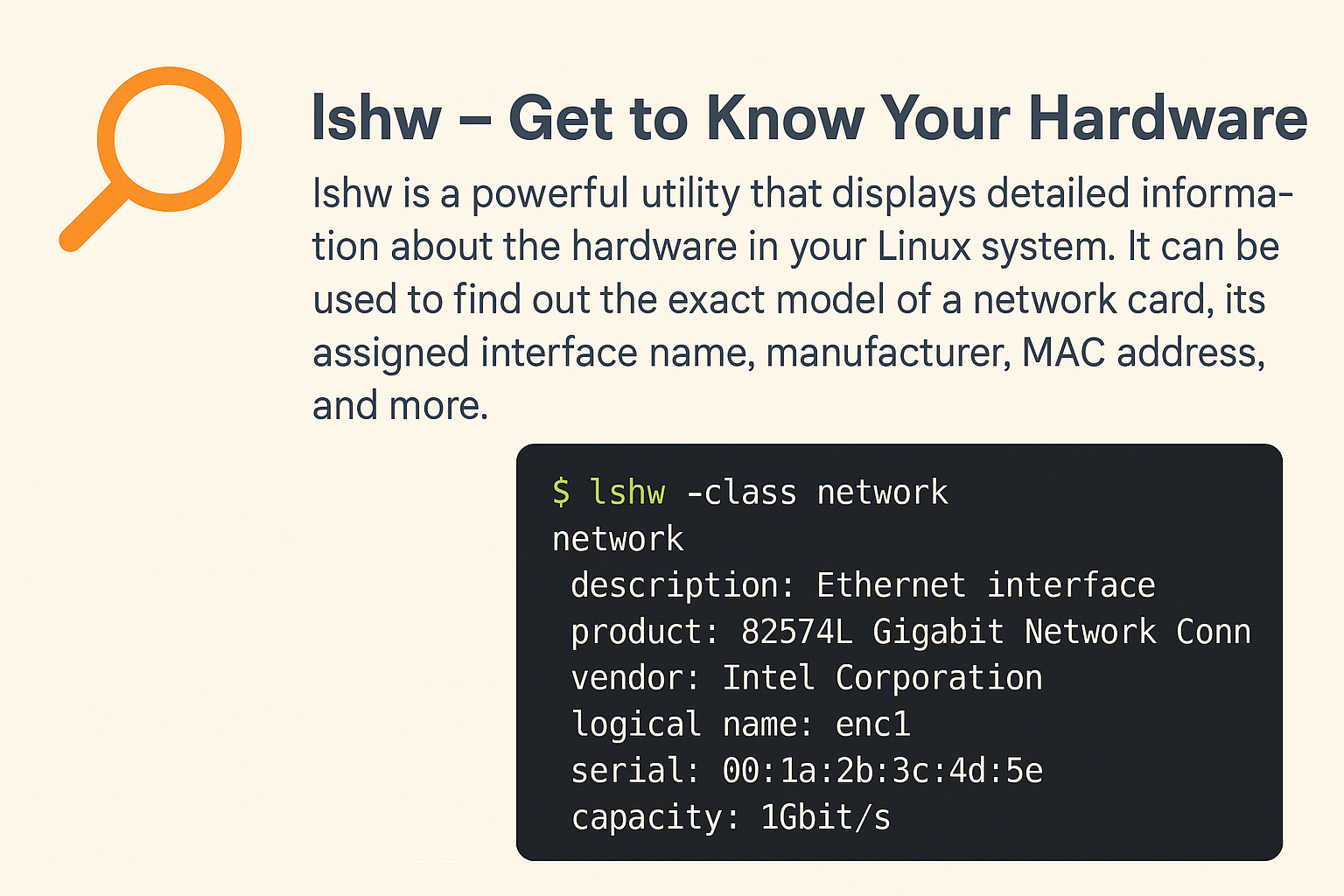
🔍 lshw – Get to Know Your Hardware
lshw is a powerful utility that displays detailed information about the hardware in your Linux system. It can be used to find out the exact model of a network card, its assigned interface name, manufacturer, MAC address, and more.
To get a concise list of network interfaces and their assigned names, simply run:
1
2
3
---
lshw -class network -short
---
📋 Sample Output
1
2
3
4
5
6
---
H/W path       Device     Class          Description
====================================================
/0/100/1f.6    eno1       network        Ethernet Connection (7) I219-V
/0/100/1c.4/0  enp4s0     network        RTL8111/8168/8411 PCI Express Gigabit Ethernet Controller
---
🧠 What Do These Columns Mean?
- H/W path – The physical hardware path of the device in the system’s structure.
- Device – The interface name assigned by the system (e.g., eno1, enp4s0).
- Class – The device class; in this case, network.
- Description – A brief description of the hardware, often including the model and vendor.
✅ When Is This Useful?
- When mapping interfaces in tools like netplan, systemd-networkd, or NetworkManager.
- When configuring bridges, VLANs, or firewall rules.
- When your system has multiple NICs and you need to identify which is which.
🛠️ Installing lshw
If you don’t have lshw installed yet, you can easily add it with your package manager:
- On Debian/Ubuntu:
1
2
3
4
---
sudo apt update
sudo apt install lshw
---
- On RHEL/CentOS/Fedora:
1
2
3
---
sudo dnf install lshw
---
- On Alpine Linux:
1
2
3
---
sudo apk add lshw
---
🔧✨ Have multiple interfaces and not sure which is which? Now you know how to find out in seconds! ✨🔧
Got questions or want more quick tips? Drop a comment below!